The banner shows up on a Tuesday, usually while you’re trying to take a photo of something important. “Storage almost full.” You swipe it away.
It comes back on Friday, and eventually you face the classic choice: pay a few dollars a month for the next tier, or spend Sunday scrolling through 11,000 photos asking yourself why there are fourteen versions of the same sunset over the same parking lot.
Most people tap “upgrade,” because it takes ten seconds and scrolling takes all afternoon. Fair enough. But that monthly charge turns out to be only the most obvious cost of the stuff we never delete.
What Actually Piles Up?
Nobody sets out to hoard files. Your phone just backs up everything by default, from the photo of your passport to the screenshot of a meme you meant to send your brother in 2023.
Email holds onto every newsletter you subscribed to for a discount code, and the work drive still has “Q3 deck FINAL v7 (use this one)” from three jobs ago.
The free allowances run out faster than they seem. Google shares 15 GB between Gmail, Drive and Photos, and Apple hands out 5 GB of iCloud, which a single holiday of 4K video can eat. TIME’s Simmone Shah made the point earlier this year that this clutter is easy to ignore because it lives somewhere you’ll never see.
The Bill You Don’t See
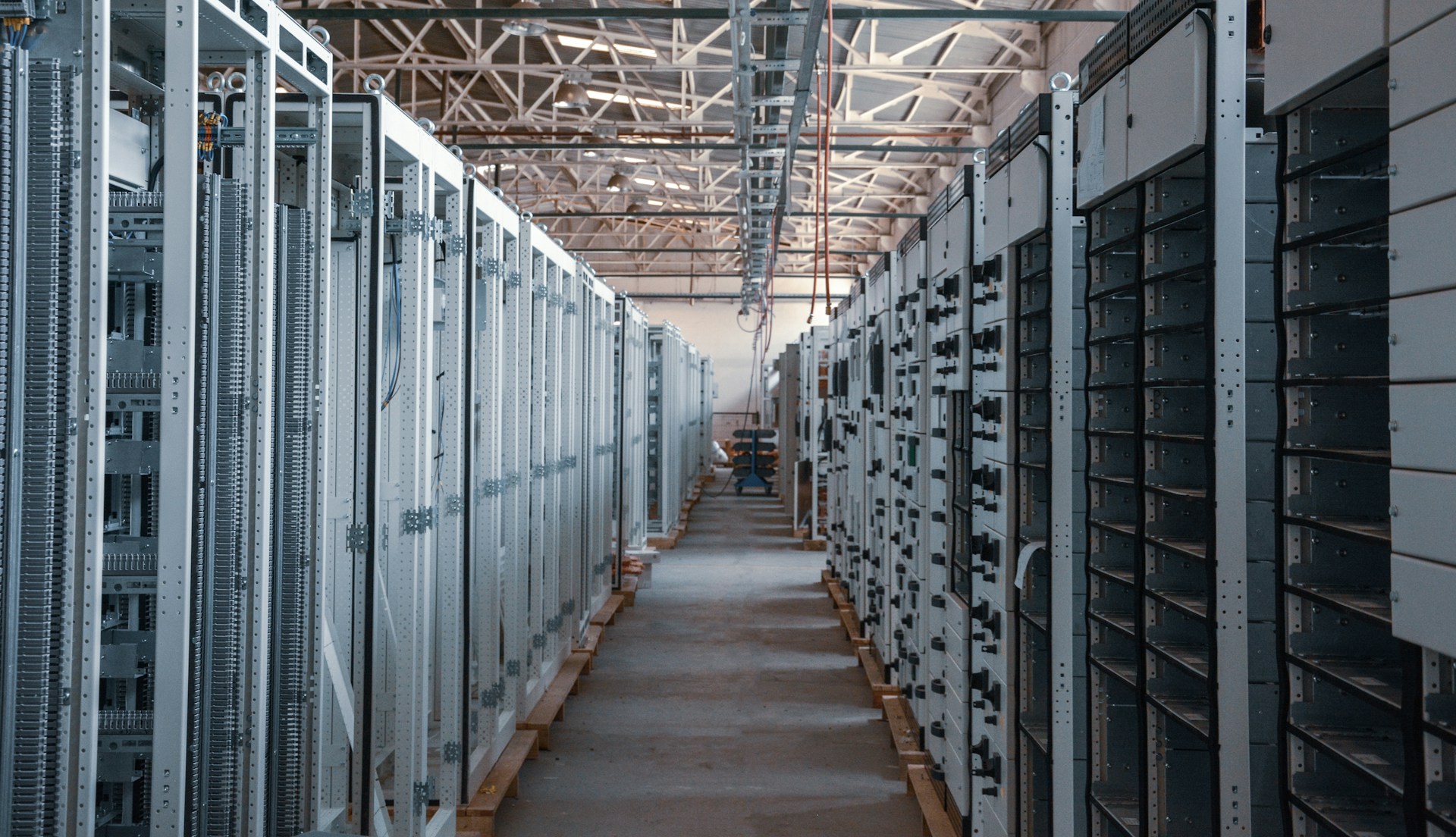
That “somewhere” is a warehouse full of humming servers, and it runs on electricity and water. How much power does a terabyte of old photos need just to sit there?
a pretty wide window.
Take 60 kWh, toward the cheap end, and you’ve got about the same electricity as plugging your phone in every single night for over six years.
Servers also get hot, and cooling them takes water. Lots of it, in the case of the giant sites: up to five million gallons a day, or roughly a small town’s worth (somewhere between 10,000 and 50,000 residents).
It got serious enough during Britain’s dry summer of 2025 that the government there asked people to clear out old photos and junk emails.
A Quick Reality Check
Hold off on the guilt, though. Mike Berners-Lee, whose book “How Bad Are Bananas?” tallies the footprint of pretty much everything, has called the carbon cost of a single email “infinitesimal.”
In his view the real damage happens earlier, in the factories that build our phones and laptops, not in the electricity they draw afterward.
So no, emptying your inbox won’t fix the climate. A digital declutter is still worth doing, though, because it can cancel a subscription you don’t need, it makes the files you care about findable again, and it does shave off a small, real amount of energy and water somewhere.
Why PDFs Are Often the Heaviest Files?
Try sorting your Drive by size sometime. I’d bet money the top of the list is mostly PDFs, and scanned ones in particular. Your scanner, or the phone app pretending to be one, saves each page as a photo, so a two-page parking permit can land at 40 MB next to a 300-page novel weighing about 2.
Other culprits stack on top. Photos placed inside a document keep their full resolution even if they’re printed the size of a stamp. Fonts get embedded whole, and a file that’s been opened, tweaked and resaved twelve times may still be carrying bits of every earlier version.
Here’s the nice part: this is the easiest clutter of all to fix. Often you don’t need to delete anything. You just need to reduce PDF size before the file heads into long-term storage.
Shrink Before You Store
What a PDF compressor does is pretty unglamorous: it re-squeezes those oversized images and throws away the leftovers, while the text stays sharp.
On PDFLeader you can compress PDF files from a browser tab (phone or laptop, doesn’t matter), and the site claims about three seconds per file with no visible loss in quality. The same account converts, merges and splits too, which comes in handy once the tidying bug bites.
One rule I’d stick to: after you compress PDF scans for the archive, zoom to 100% and make sure the small print still reads. Then get rid of the heavy original. Keeping both just doubles the clutter.
Five Minutes a Day Is Enough
TIME’s advice, which I like a lot, was to keep the habit small enough that you’ll stick with it, like doing a few minutes on the bus on Monday mornings. Pick one of these per day:
- Bin screenshots older than a month. You will not need that parking receipt from March.
- Unsubscribe from three newsletters you haven’t opened since spring.
- Clear out burst shots and duplicates, and keep the one good sunset.
- Shrink scanned PDFs and remove the bloated originals.
- Remember the trash. Deleted stuff in Google Photos hangs around for 60 days, and iCloud’s Recently Deleted album keeps it for about 30, still counting against your quota the whole time.
And once a month, give the shared drives and your Downloads folder twenty minutes. Downloads is usually where old PDFs go to retire.
Conclusion
Your digital junk weighs nothing in your hand, yet it shows up on a card statement every month and keeps a few fans spinning in a building you’ll never set foot in.
You don’t need a heroic weekend purge to deal with it. Five minutes a day plus a habit of shrinking files before you save them should keep that “storage almost full” banner quiet for a long while.