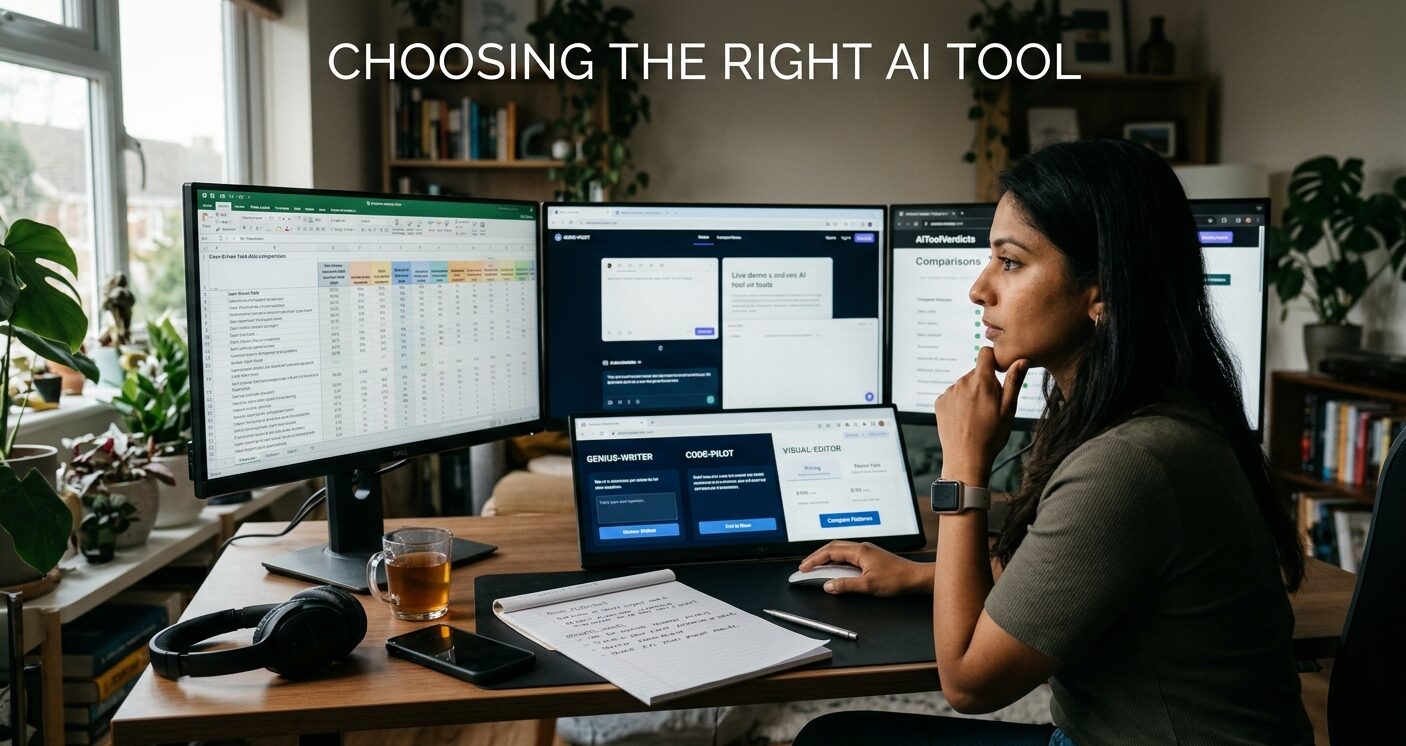
New AI tools launch every week, and almost all of them look impressive in a two-minute demo. The real test comes later: does the tool still save you time three weeks after you sign up, on an ordinary workday, with your own messy material?
Plenty of people end up paying for several subscriptions they barely open, while the free assistant they already had does most of the work. A few simple checks before you commit can prevent that.
Start with the task, not the tool
Most disappointing AI purchases start with a tool and then go looking for a use. Flip that. Write down the one or two tasks that eat the most of your week, such as drafting client emails, summarizing meeting notes, cutting short video clips or cleaning up spreadsheets.
Be specific. “Help with writing” is too vague to judge anything against. “Turn my rough bullet points into a 600-word blog draft in my own tone” gives you something you can actually test. General-purpose chatbots handle a lot of everyday jobs well, so check whether the assistant you already use can do the task before adding a specialized app.
Read reviews, but read them critically
Good reviews can save you hours of testing, but quality varies a lot. Many “best AI tools” lists are thin pages that repeat marketing copy and never mention limits or downsides.
Look for reviews that show when they were written, quote actual prices, link to the vendor’s own documentation, and say who should skip the tool. AI products change their pricing and features often, so a review from last year can be badly out of date.
If you want comparisons written that way, AiToolVerdicts publishes AI tool reviews and head-to-head comparisons that note the month prices were checked, which makes it easier to tell whether the information is still current. Whatever source you use, treat it as a way to build your shortlist, then run your own test.
Test it on your own work
Free tiers and trials exist so you can try before you pay, yet many people spend them clicking around the interface. A better plan is to bring two or three real tasks from your actual work and run each one through every tool on your shortlist.
Then judge the output honestly. How much editing did it need? Did it get any facts wrong? Did it follow your instructions on the second attempt, or only the first?
A tool that gives you a rough draft you can fix in five minutes beats one that produces something polished-looking you end up rewriting from scratch.
Work out the real cost
The number on the pricing page is rarely what you end up paying. Many AI tools now run on credits, message caps or usage-based billing, and regular use can push you onto a higher plan quickly. App builders and video generators are common examples, since every regeneration or fix uses up credits.
Before you subscribe, find out what counts against your limit, what happens when you hit it, and whether unused credits roll over to the next month. If a team will use the tool, check per-seat pricing too. A $20 tool for five people is a $100 monthly bill.
Check your data and your exit
Look at the privacy settings before you upload anything sensitive. Find out whether your inputs are used to train models, whether you can switch that off, and how long your files are stored. If you’re using the tool for work, your employer may already have a list of approved apps.
Also ask how you would leave. Can you export your documents, code or projects in a standard format? Tools that keep your work locked inside their platform make switching painful later, and in a market moving this fast, the best option today may not be the best one next year.
The short version
The right AI tool is the one that handles your specific task well enough, at a cost you understand, without trapping your data. Define the job, test it with real work, read the fine print on pricing, and lean on reviews that show their sources. The whole process takes an afternoon, which is a lot cheaper than three months of a subscription you never use.