You probably know what a pulsing light on your earbuds case means, or what a double tap on your wrist is telling you, without ever opening a manual. That’s screenless design doing its job.
Screenless devices communicate through LED indicator lights, haptic feedback, short sounds and companion apps. The good ones keep those signals few, consistent and easy to tell apart.
Why do some gadgets skip the screen?
Screens add cost, size and battery drain, and most small devices only need to tell you a handful of things: on, charging, ready, connected or something’s wrong. A light or a buzz covers that.
Dropping the screen also makes a device tougher, easier to waterproof and less distracting. On a smartwatch, the display is usually the biggest drain on the battery, so a device without one can run far longer on the same cell. Earbuds, fitness bands, smart speakers, power banks and smart rings all work this way.
How do LED indicator lights communicate?
An LED indicator carries information through color, blink pattern and, on light bars, how many segments are lit. As a rough rule, a steady light shows a state, while a blinking one means something is happening or needs your attention.
Some color habits are widespread: green for ready or full, amber for charging, red for an error, blue for Bluetooth. They’re conventions rather than standards, though, so the same color can mean different things on different devices. A light bar works like a tiny fuel gauge for battery or progress.
Speed matters too. A slow, gentle pulse, sometimes called a breathing light, usually signals standby or charging, while a fast blink suggests urgency. Designers use that difference on purpose, because people read a rapid flash as a warning without being told.
What is haptic feedback?
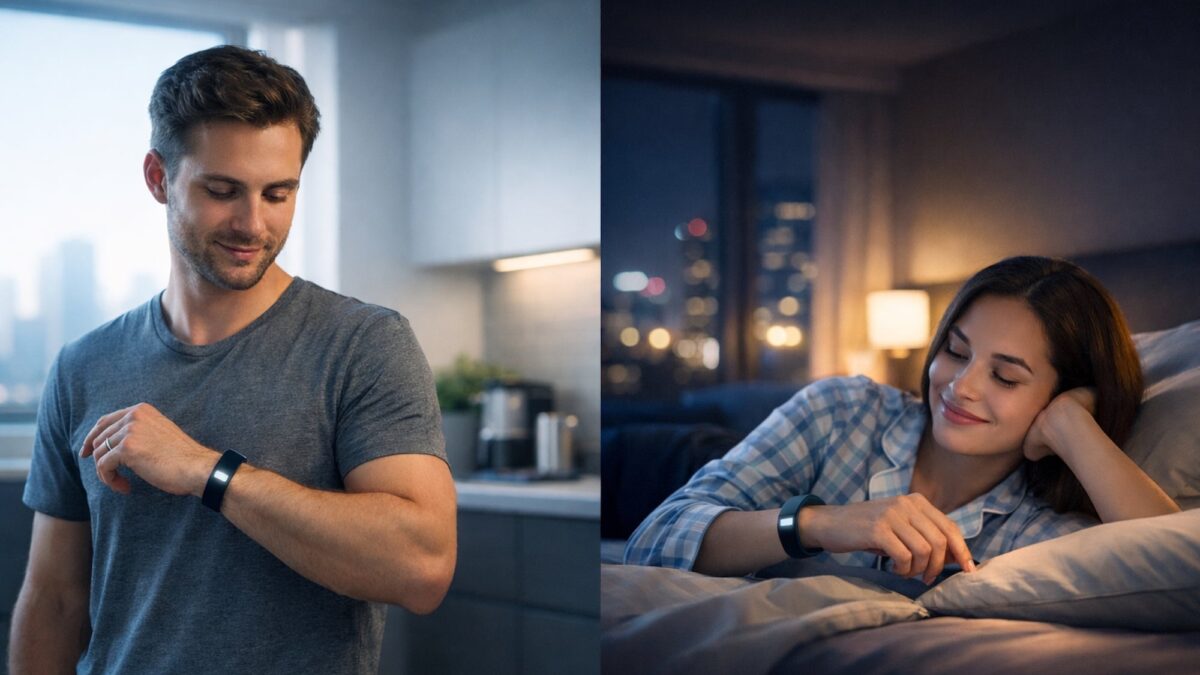
Haptic feedback is information delivered through touch, usually vibration. A small motor inside the device produces taps and buzzes in different patterns, so you can feel what’s going on without looking.
Most gadgets use one of two motor types. An eccentric rotating mass (ERM) motor spins an off-center weight and gives the classic phone buzz.
A linear resonant actuator (LRA) moves a small mass back and forth, which allows the crisp, precise taps you feel on modern phones and watches. Distinct patterns, like one long buzz versus two short taps, are what make haptics useful. One generic vibration tells you very little.
Where do sounds fit in?
Short sounds, known as earcons, fill the gap when you’re not looking at or holding a device. Think of the rising chime when earbuds connect, or the falling tone when a speaker powers down. Rising usually means on or success, falling means off or a problem.
Sound has an obvious limit, though: it’s useless in a noisy street and unwelcome in a quiet office. Most small devices treat it as a backup to light and vibration.
How do companion apps help screenless devices?
An app lets a device stay simple. Setup, software updates, exact battery percentages, settings and finding a lost device can all live on your phone, where there’s a proper screen to show them. The device itself only has to handle the few signals you need in the moment, which keeps it smaller, cheaper and easier to use.
What does a screenless device look like in practice?
Most screenless devices pair two signals, usually a light and a vibration, so the message gets through whether you’re looking or not. A companion app then takes care of anything that needs more detail.
PLOOM AURA is a clear example. It’s a heated tobacco device with no screen at all: a small LED dot glows red for an error and blue when the device is connected by Bluetooth, while an LED bar shows battery level, heating time and how far a session has run.
When heating starts, the device gives a long vibration and the LED flashes. Settings and extra detail live in the Ploom app.
Which signals work best for what?
Each signal has a job it does well and a blind spot:
| Signal | Best for | Limits | Everyday example |
|---|---|---|---|
| LED color | Showing a state at a glance | Hard to read for color-blind users | Red light on a charger |
| LED blink pattern | Showing that something is happening | Patterns are easy to forget | Blinking pairing light on earbuds |
| LED bar | Showing a level, like battery | Only rough levels | Battery bar on a power bank |
| Vibration | Alerts you can feel without looking | Needs the device in hand or on skin | Smartwatch tap |
| Companion app | Detail and settings | Needs a phone nearby | Earbuds battery shown on a phone |
What makes a good screenless design?
The best examples follow a few simple rules:
- Use as few signals as possible.
- Keep patterns consistent across every state.
- Pair light with vibration or sound for anything important.
- Never rely on color alone.
- Explain the signals clearly in the manual or app.
Testing is the real proof. If people need to check the manual twice to understand a blink pattern, the pattern is too complicated.
| Interesting fact
Around 1 in 12 men and 1 in 200 women have some form of color vision deficiency. A red-versus-green light on its own is a weak signal for them, which is why good designs add a blink pattern or a vibration. |